
 Circuit Quest
Learn electronics by making things work
A tiny circuit.
A real first win.
Make an LED blink. Find a wiring fault. Turn a pile of parts into something you understand.
A circuit simulator, 3D workbench and pixel-art learning adventure for iPhone and iPad. No hardware needed to begin.
iPhone & iPad · iOS 15+ · Optional in-app purchases
- No account required
- No ads
- Free core lessons
A little curiosity goes a long way
The LED won’t light.
What would you check?
The supply is on. The connections and series resistor are correct. The current is zero, and the LED stays dark.
One small change solves “It never lit,” the first Repair Shop puzzle.
Why does its direction matter?
An LED is a diode: it needs the right polarity to light. In this puzzle, reversing the LED restores the intended current path.
On a typical untrimmed through-hole LED, the longer leg is the anode (+); the shorter leg is the cathode (−). Check the component’s markings or datasheet if the legs have been cut.
For a real build, disconnect power before rewiring and keep the correctly sized current-limiting resistor in series. A dark LED can have other causes, too.
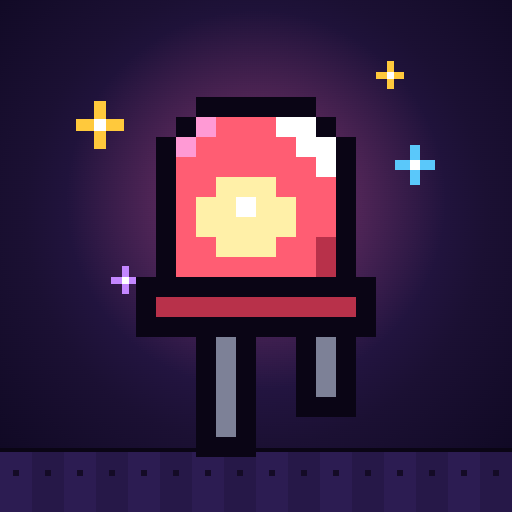
See Arduino’s external LED wiring exampleMEET THE TWO LEGS
Teaching illustration · typical untrimmed LED
Now solve it in the app
Open Hub, then Playground, then Repair Shop. Choose “It never lit.”
Download for iPhone or iPadOne small win leads to the next
Play with the idea.
See what changes.
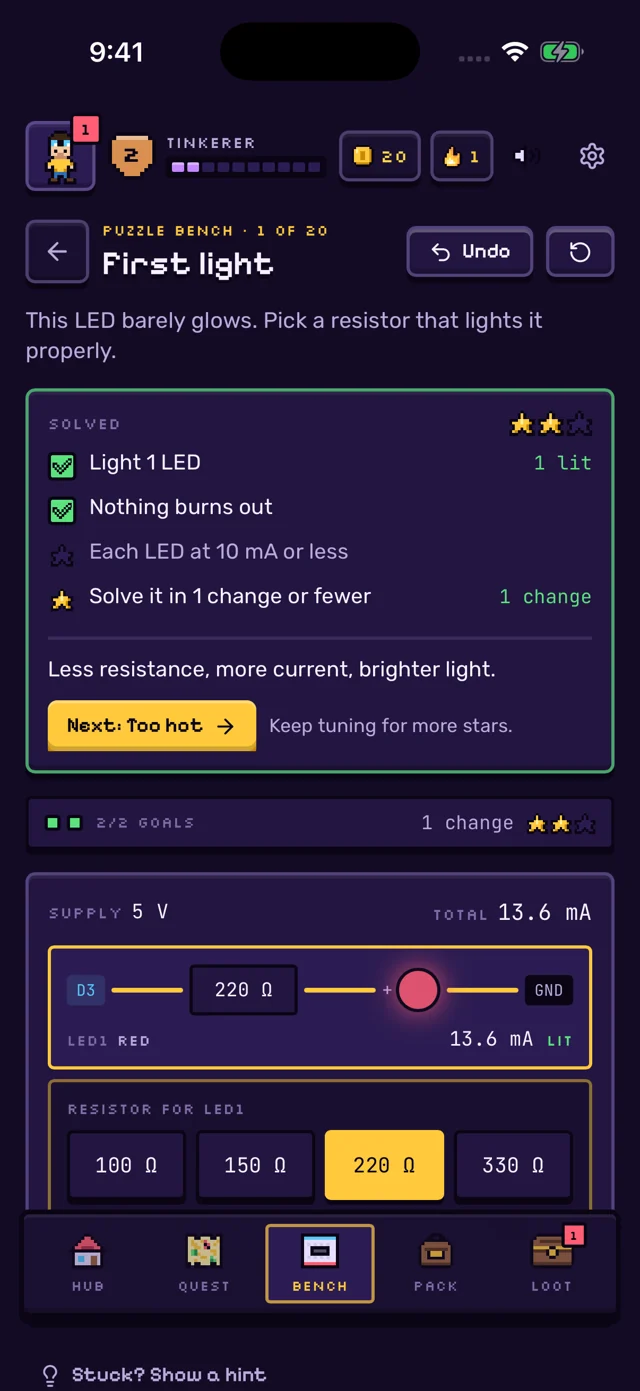
Change it. Understand it.
Try resistor values, solve circuit puzzles and investigate what makes a light respond.
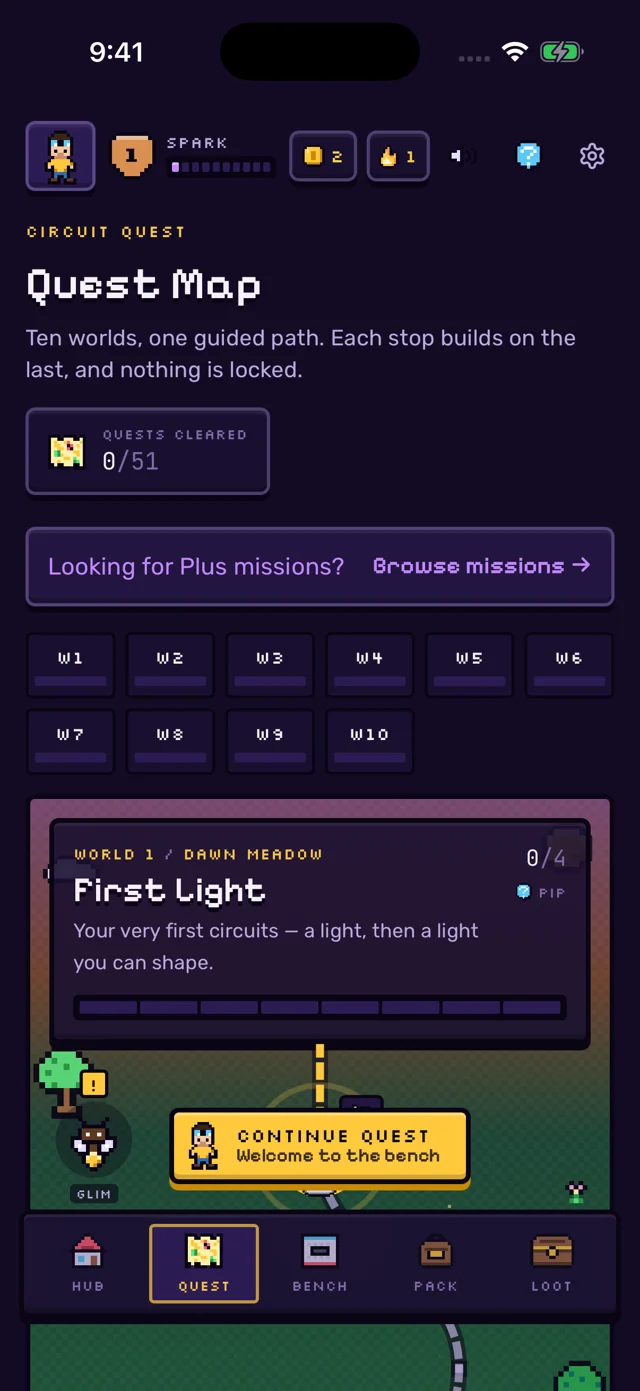
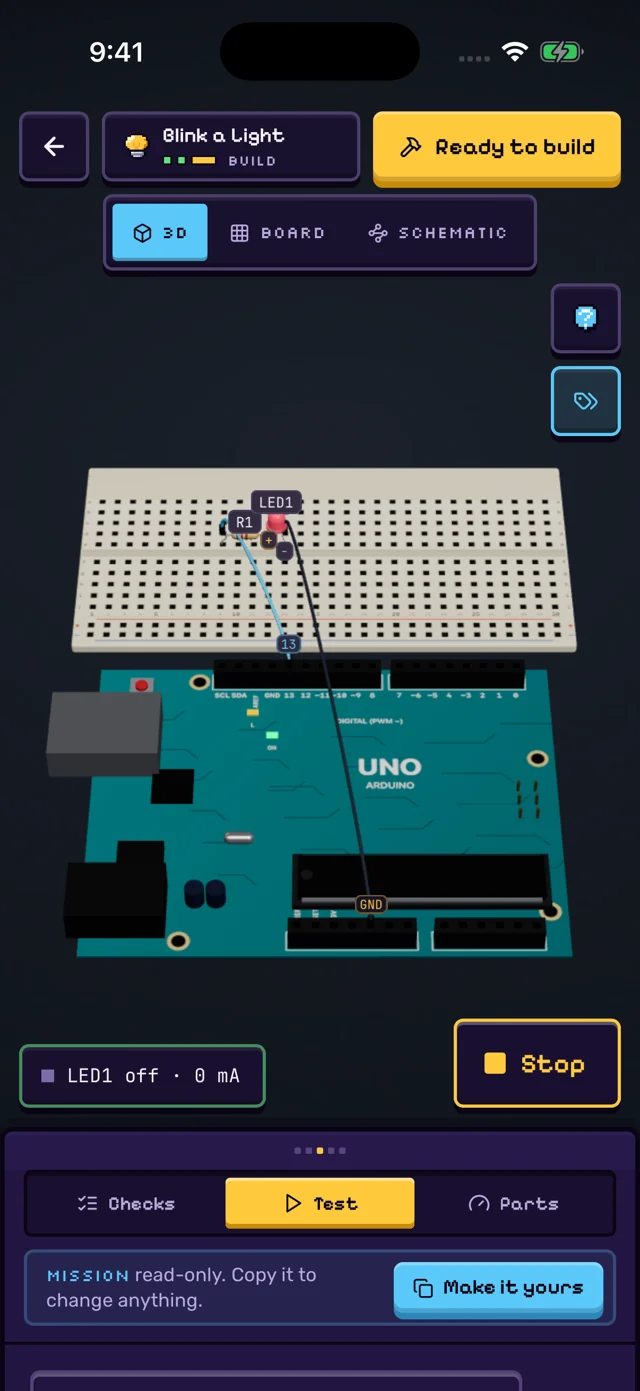
Know what to try next.
Short lessons, guided builds and a quest path take you from your first light to sound, sensors and motion.
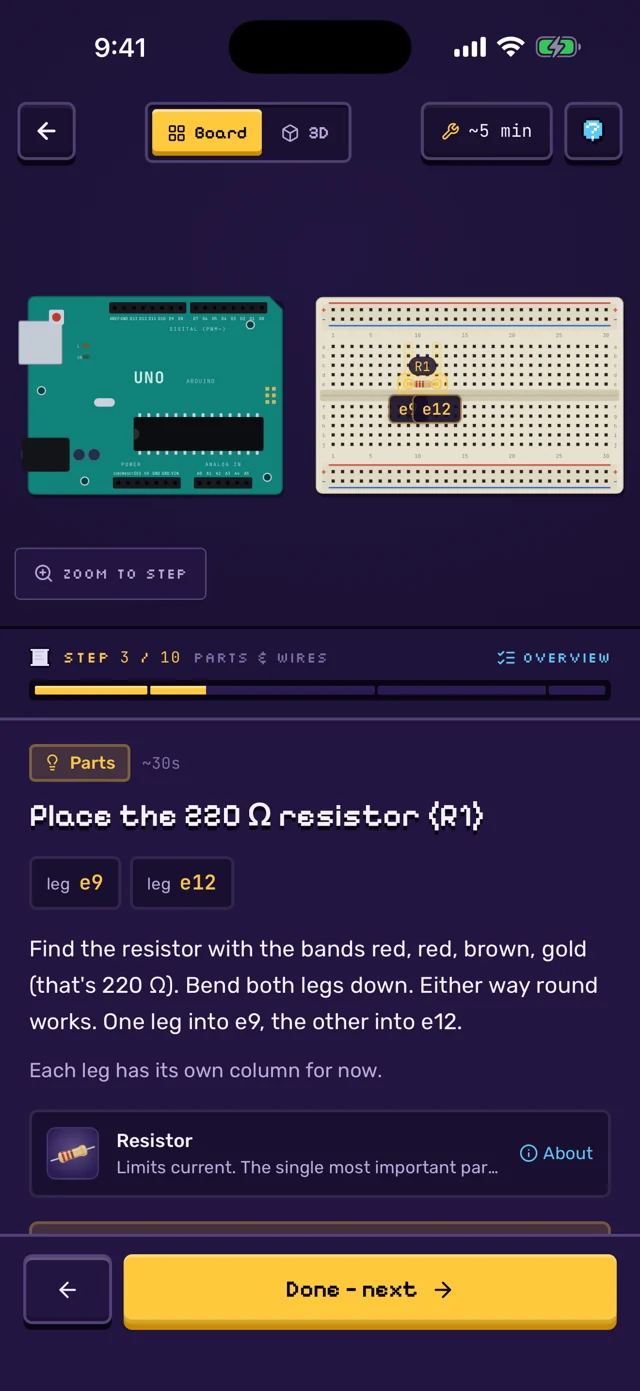
Follow every connection.
When you’re ready for hardware, use the parts list and step-by-step wiring instructions.
Physical builds need compatible components, sold separately. Follow their specifications and appropriate supervision. Simulation is a learning aid, not a guarantee of electrical safety.
Start with what’s free
Your first circuit
doesn’t need a kit.
Use the core designer, simulator, lessons, progression and 46 project templates for free. Core lessons and included simulations work offline.
Get Circuit Quest freeAvailable on the App Store for iPhone and iPad.
More to explore with optional Plus
Plus unlocks the advanced mission collection and included bonus and Showcase builds. One featured mission is free to try each week.
Monthly and yearly subscriptions renew automatically. Your local price and any eligible offer appear before purchase. Manage or cancel in your Apple account settings.
The free core is a useful starting point on its own.
For creators, clubs and curious people
Show what you made.
Making a tutorial, planning a beginner session or covering Circuit Quest? Use these real app screenshots and tell us what you’re working on.
Circuit Quest is made by BlackRaven AI LLC. It is an independent learning app and is not affiliated with Arduino. The iOS app does not directly program a physical Arduino board; export or copy the code for a compatible computer.